Rooms & nested storage
Keep the full path clear from room to cabinet, drawer and the smaller box inside.
Batteries, documents, spare medicine, filters, cables, seasonal gear — TraceNook remembers where they live, how many remain and when they need attention. Search when you need them, then organize in bulk with QR labels and the PC manager.
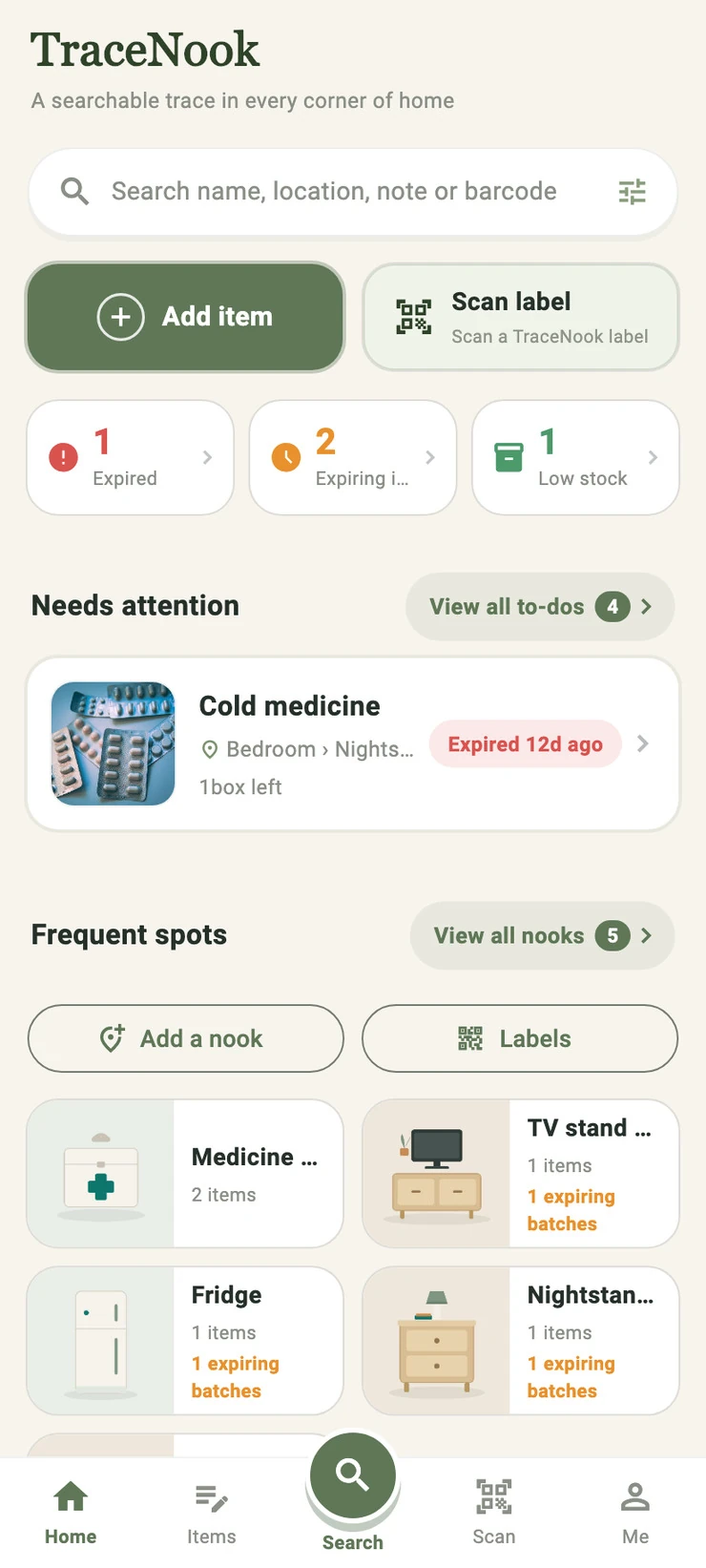
You bought a pile of batteries—and nobody can find them
Record where things live once. Next time, search and locate in 3 seconds: Study › second drawer.
The spare filter or pantry item was forgotten until it had expired
Record the date and get reminded only when something needs you — at most once a day.
You bought cleaning supplies again because nobody knew what was already in stock
Adjust quantities in a tap. Low stock and existing supplies stay visible.
Only you know where the documents and seasonal stuff went
Locations live in the app, so your family can find things themselves — you're no longer the human search engine.
Not a shopping list, not a cloud warehouse. One honest loop: record → find → get reminded → inventory check.
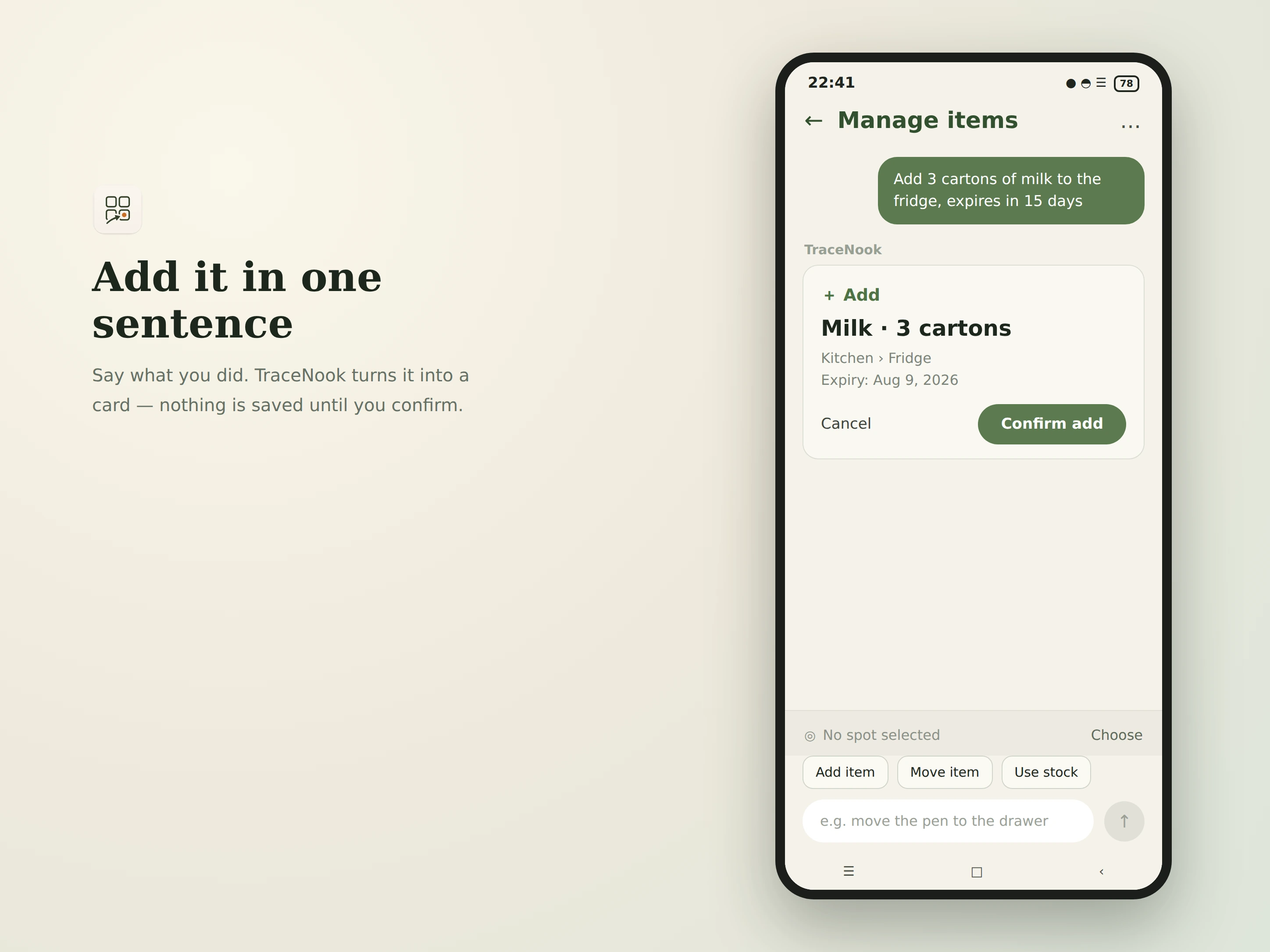
Type one natural sentence and TraceNook picks out the item name, quantity, location and expiry. Add new items, move them, or deduct stock — no filling out forms field by field.
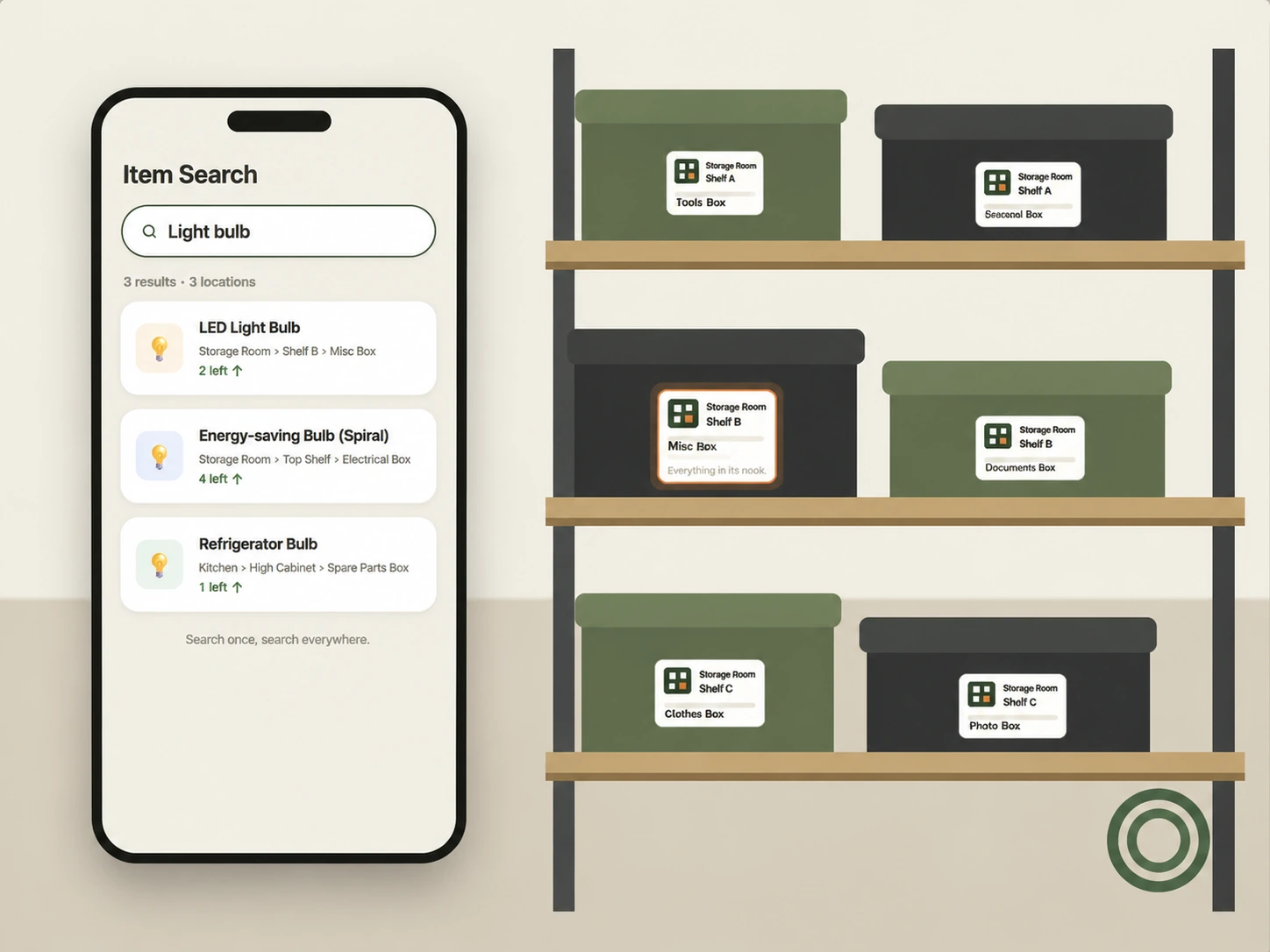
Names, notes, barcodes, place names — search whatever comes to mind. Results appear as you type, each with the full location path: room, storage spot and inner level.
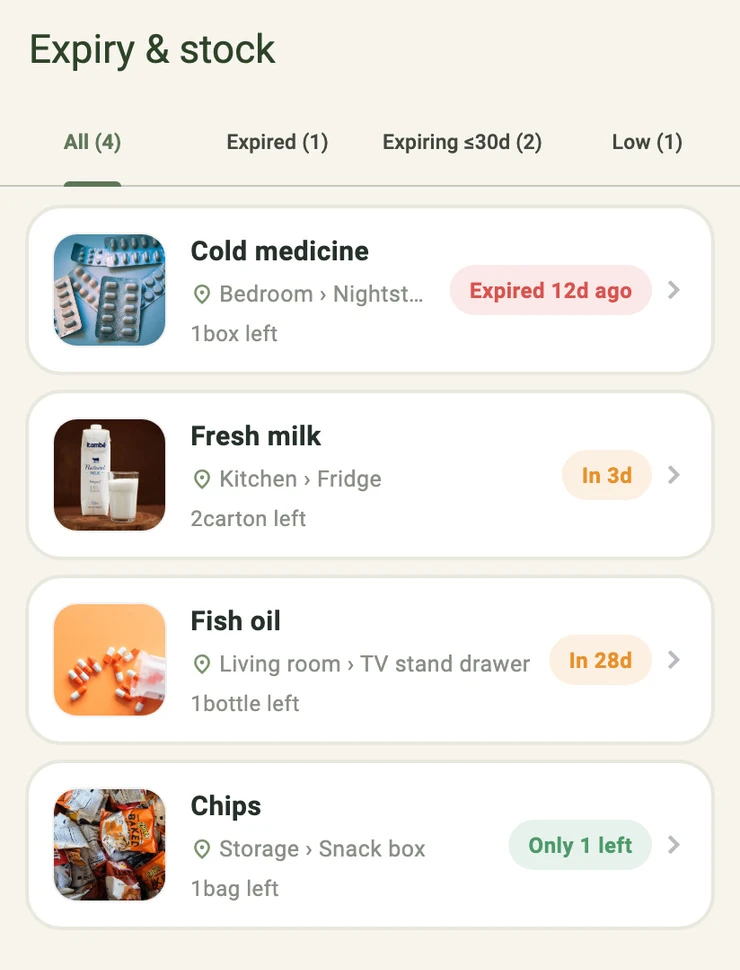
Each item highlights the one status that needs attention most: when the quantity reaches 0 it shows “used up”; while stock remains, expired, expiring or low-stock is surfaced instead. Red, orange, green — one glance tells you what to handle.
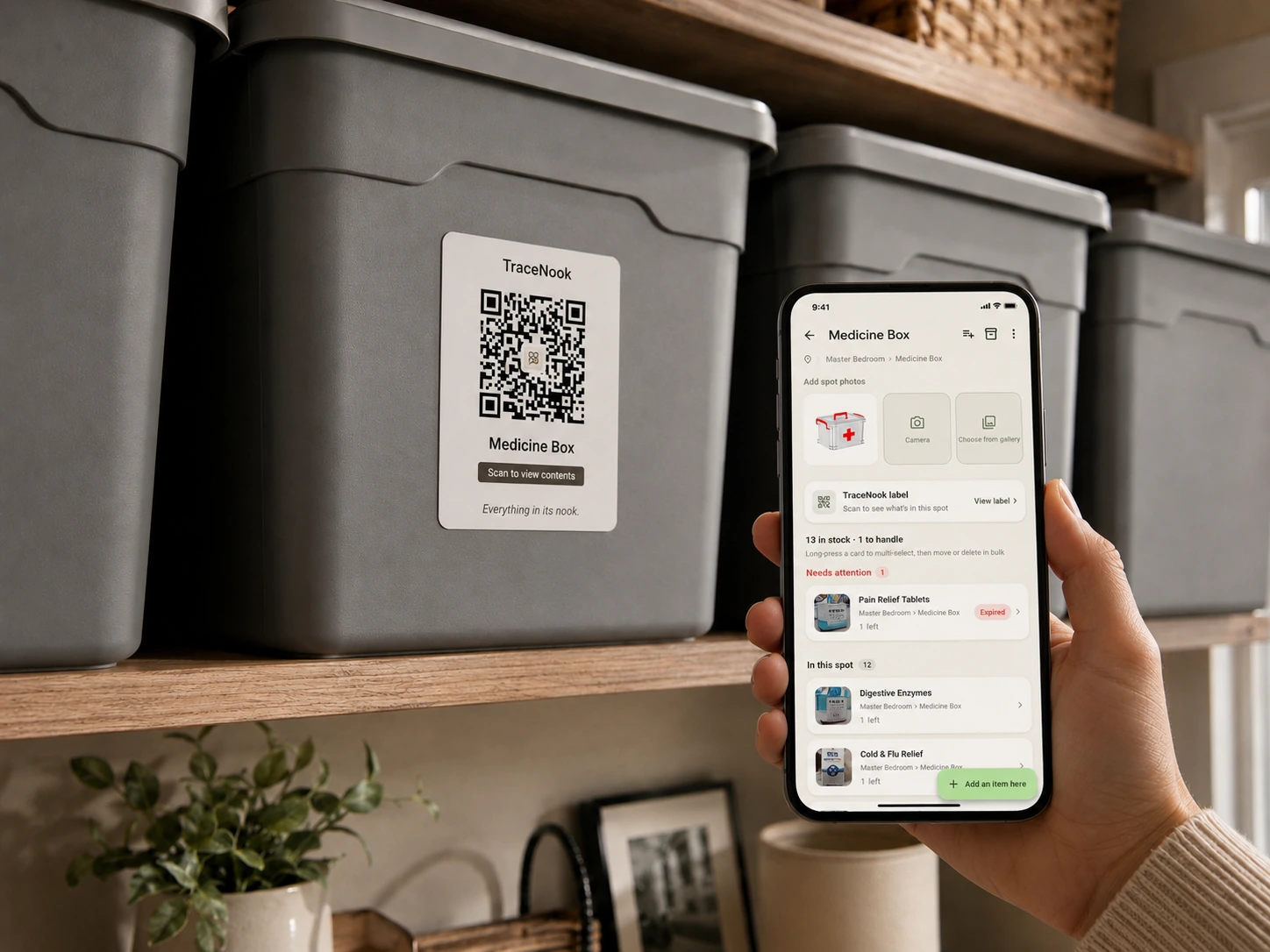
Print TraceNook labels for bins, drawers or cabinets. One scan opens that spot's item list — no more opening every box when tidying or doing an inventory check.
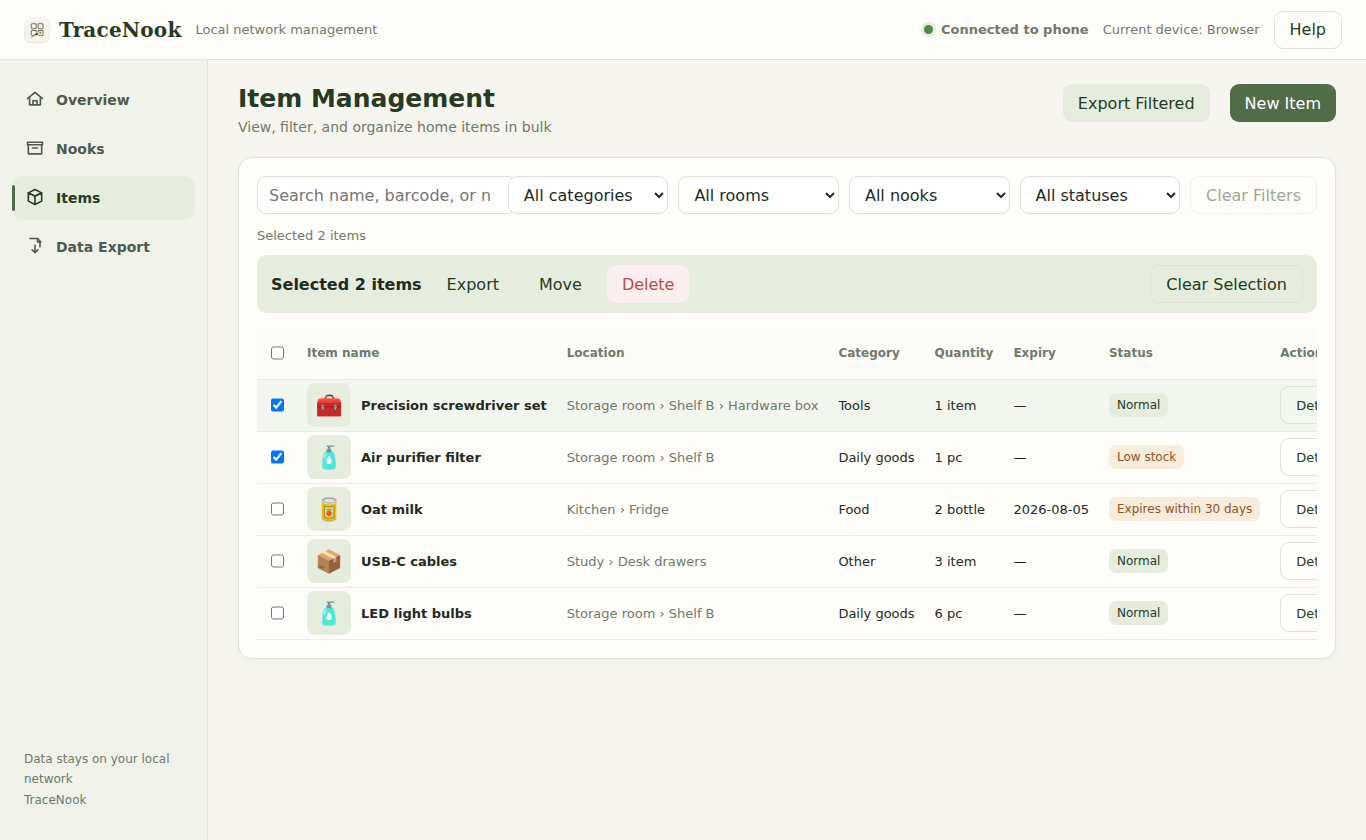
With your phone and computer on the same Wi-Fi, manage storage spots and items in bulk, print QR labels and export data right in the browser. No desktop app to install, and nothing is uploaded to any server.
Storage, backup, languages and family collaboration fit into one quiet, consistent system.
Keep the full path clear from room to cabinet, drawer and the smaller box inside.
Encrypted sync stays inside your local network and only between devices you explicitly pair. Invited family members do not need a separate purchase.
In testing · Rolling out gradually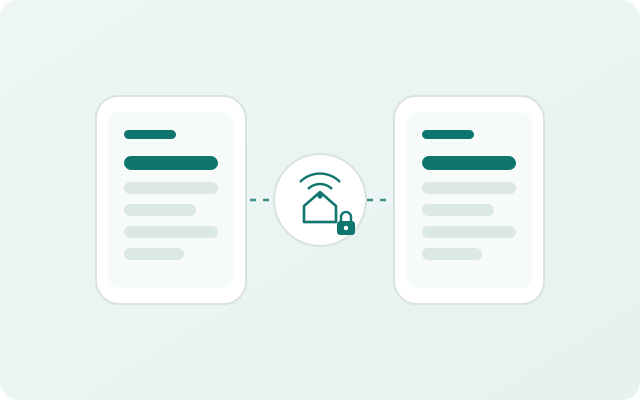
Export an encrypted backup file, then restore from it after changing phones or reinstalling. You keep the password.
The interface, main parsing rules and guidance are available in English, Chinese and Japanese.
No account, no ads, and no family inventory uploaded to TraceNook cloud servers.
Save photos for storage spots and items. Corrected recognition results can be reused on this device.
A complete list of everything you own is deeply private. TraceNook never uploads it to our servers: data stays on your devices, and with family sync on, it moves only between devices you explicitly pair — encrypted end to end.
Your family inventory lives on your own devices by default. Nothing is uploaded to TraceNook cloud servers — no cloud database exists.
No sign-up, no login, no ad SDKs, no behavioral tracking.
Export an encrypted backup file for moving phones or recovery. Only you know the password.
Family sync runs peer-to-peer between explicitly paired devices inside your Wi-Fi, end-to-end encrypted, with no cloud relay.
TraceNook is an independently developed home inventory app for keeping track of where things are, how many are left, and when they need attention—without requiring an account or turning household data into advertising profiles.
Questions? Write to support@tracenook.com or read the support page.
See the current development and testing status for each platform.